
Your name and your seal are on it. So you should know exactly what it is.
What the document is, what Doxvora will not do to it, and what happens to it once you send it.
What the report holds.
The claim
Carrier, claim number, the insured, the perils, the date of loss and the reported cause.
The summary
Observations, Cause and Recommendations, drafted from your words and reviewed by you.
Location by location
What you observed in each place, with your photos and your readings.
Limitations
The ones that apply to the perils on the claim.
Signed by you, with your seal where your license calls for one.
What it will not do.
It will not write an observation you did not make.
Doxvora will finish the sentence you started and place it where it belongs. It will not add a fact about the property you did not state, name a cause you did not give, or infer a condition from a photograph.
It will not guess to finish.
If the report requires something and it is not there, generating stops and tells you which one. It would rather hand you a task on site than hand your client a fabricated answer.
It will not save audio.
Your speech becomes text on the phone and the audio is discarded. Your photographs stay on your device and in your report, and they are never sent to an AI service.
Where it goes when you send it.
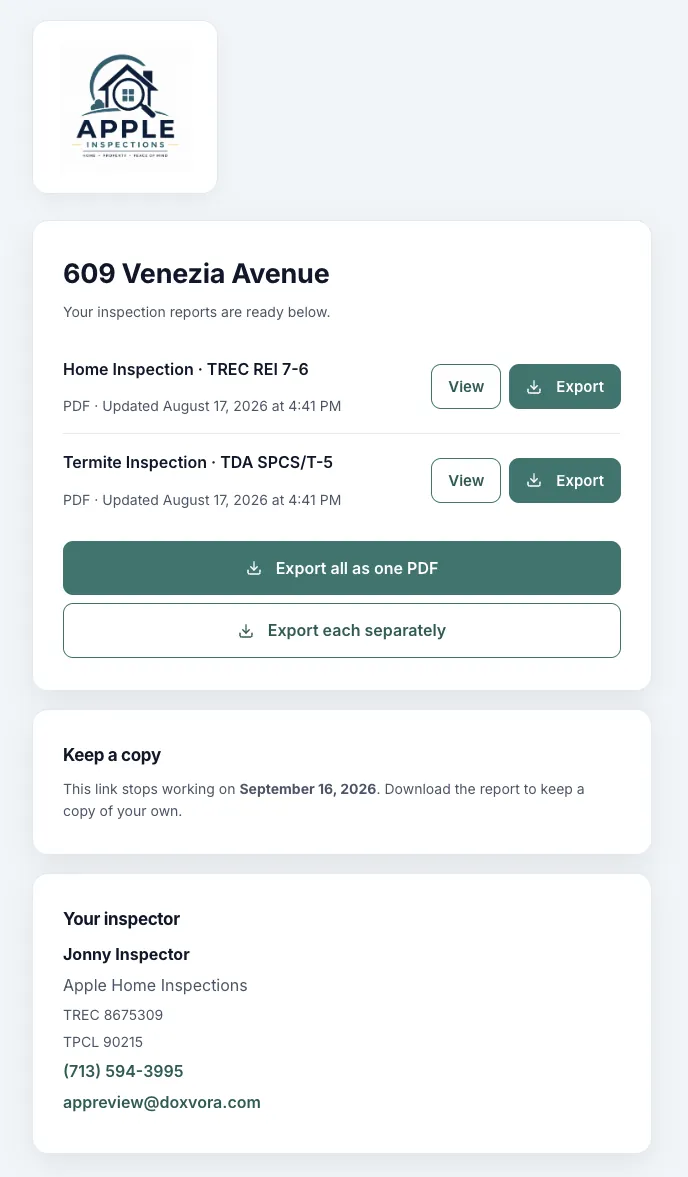
A delivery is a link, not an attachment, so nothing you produce dies in a full inbox or gets stripped by a mail server.
A page and a password
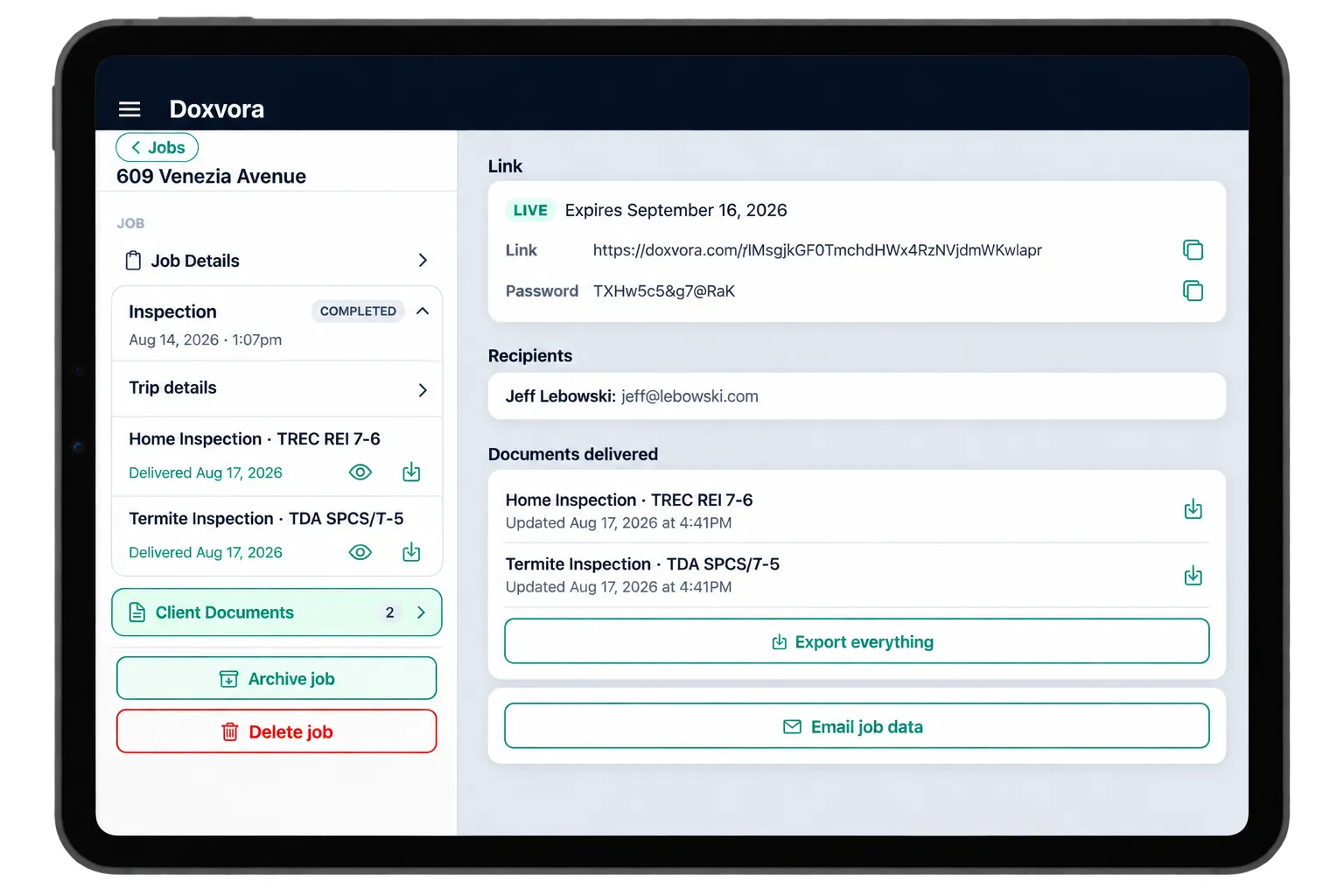
Your client gets a link to a page with the reports on it. The password arrives as a second, separate message, so possession of one does not hand over the other.
Everyone by name
Your client gets it. Anyone else is there because you put them there. Each recipient is its own line, and a bad address shows as failed on that line.
Always the current version
If you replace a report, the same link shows the new one and everyone who has it is told. Your client never has to wonder whether they are looking at the latest.
See it on your own sample job.
Setup leaves a sample job on your calendar, and it takes you through your first report.